
HiBob Onboarding
How To Connect HiBob to Payroll Integration Follow this guide to securely link your HiBob payroll account to our platform. This walkthrough covers every step from initial authentication to final configuration, ensuring a smooth integration process.
- Navigate to Payroll Integration Onboarding Link
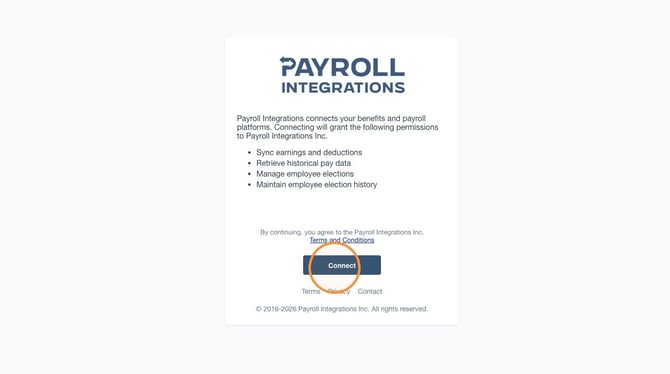
- Click "Connect"
- Click "Confirm"
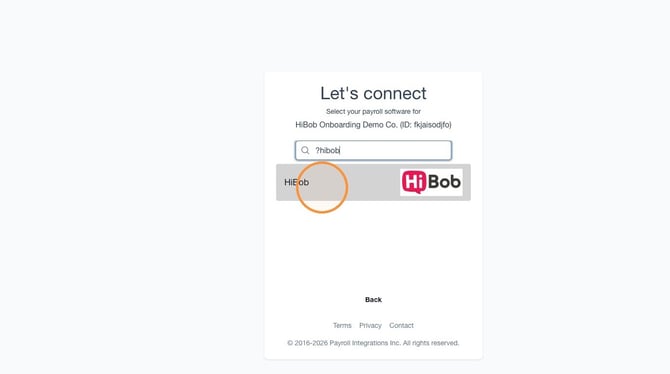
- Click the "Search payroll providers" field.
- Click "HiBob"
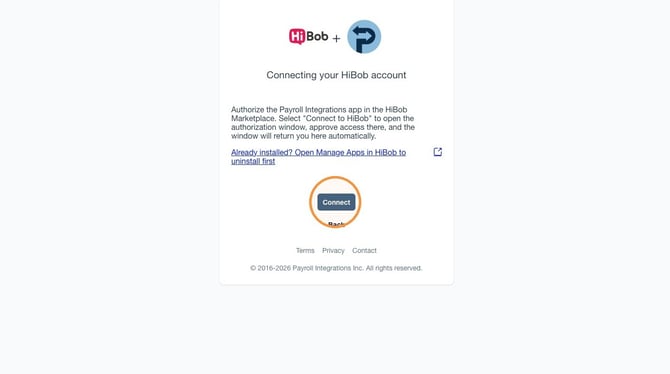
- Click "Connect"
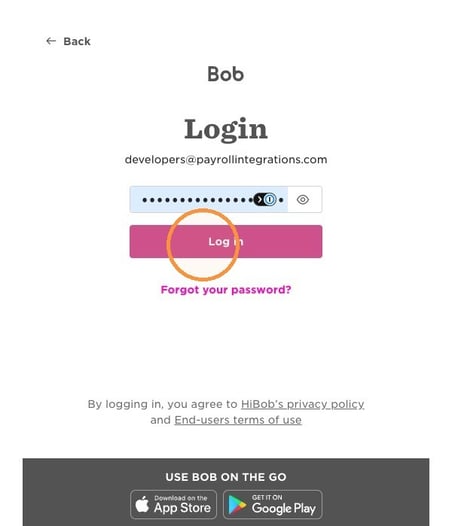
- This opens a PopUp window to log in to HiBob
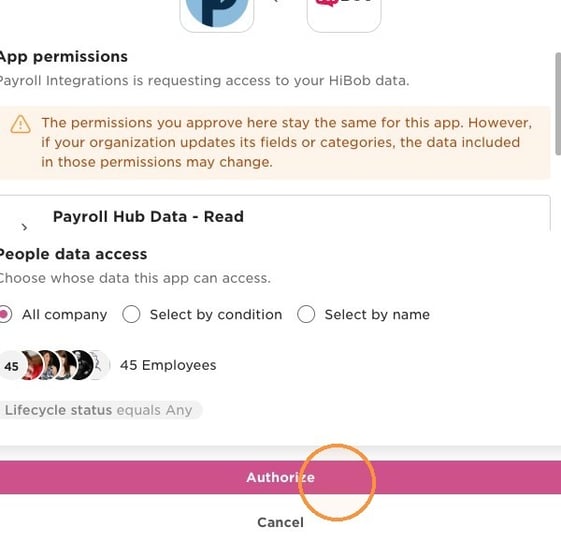
- Then you will Authorize access to HiBob for Payroll Integrations
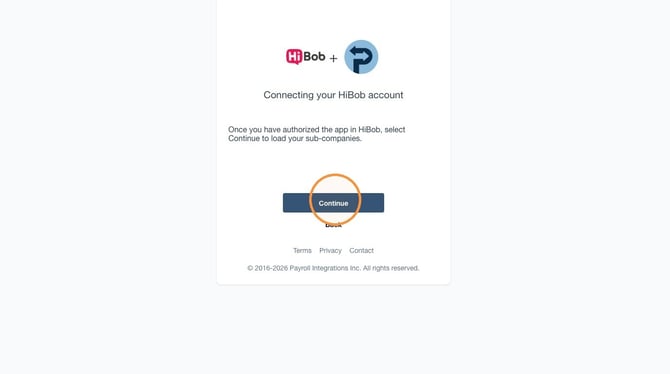
- Once authorized the pop-up will automatically close and return you here.
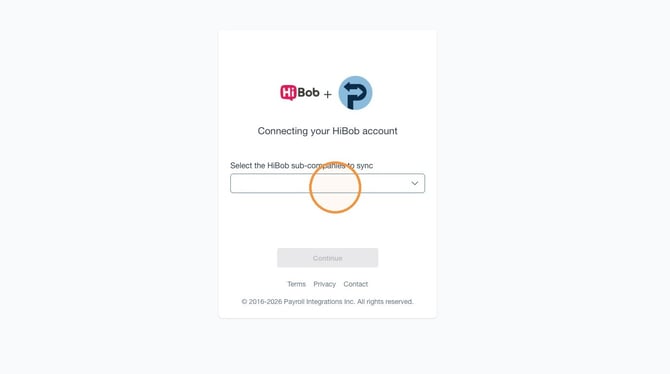
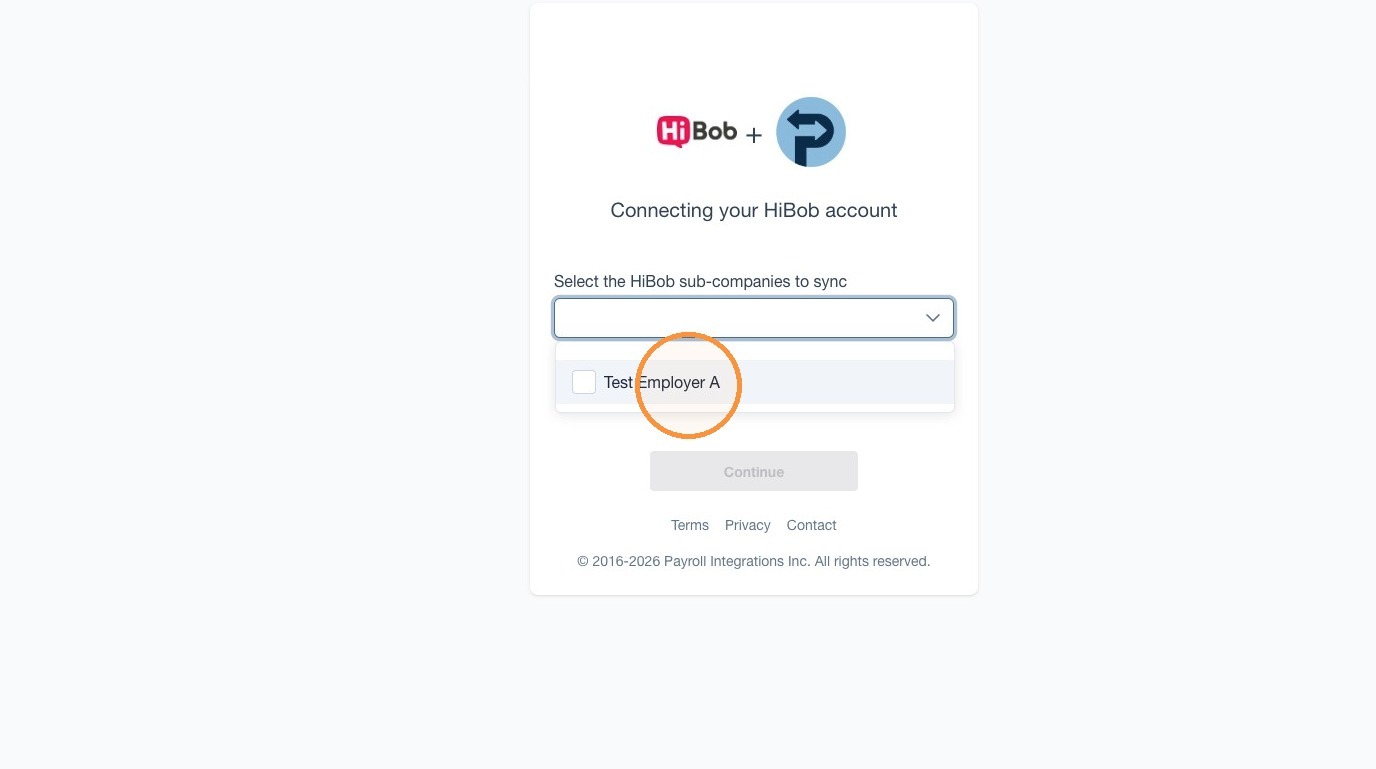
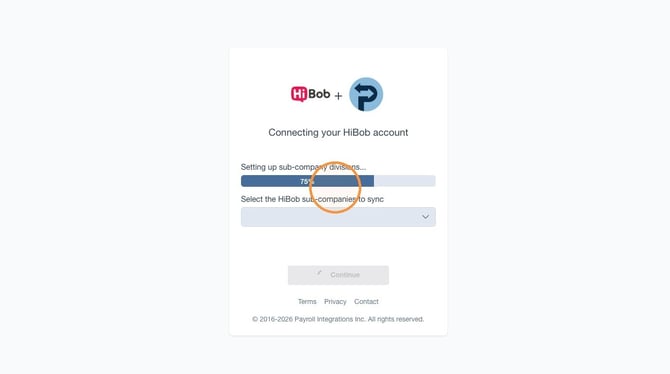
- Open the HiBob sub-companies dropdown.
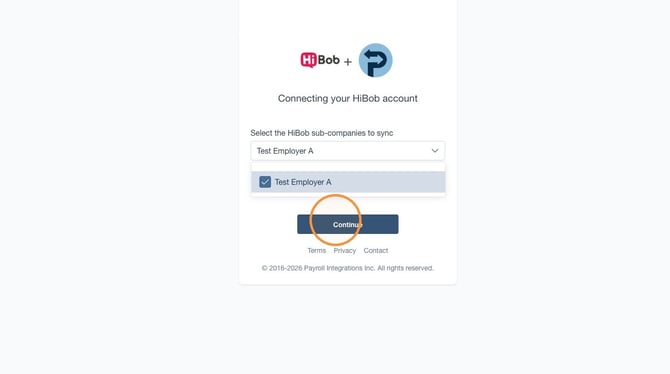
- Select one or many sub-companies you want to sync
- Click "Continue"
- Wait one moment as we set up each sub-company
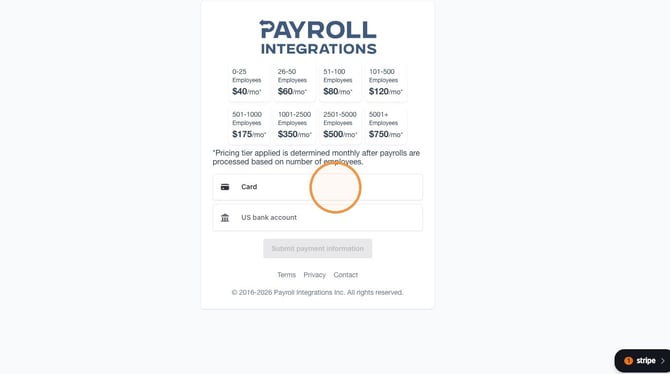
- Enter your payment method.
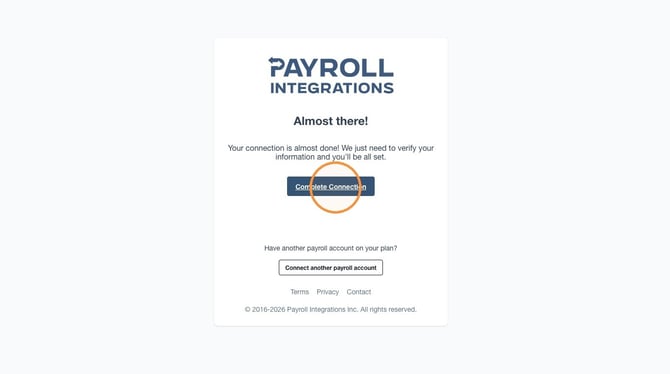
- Click "Complete Connection"
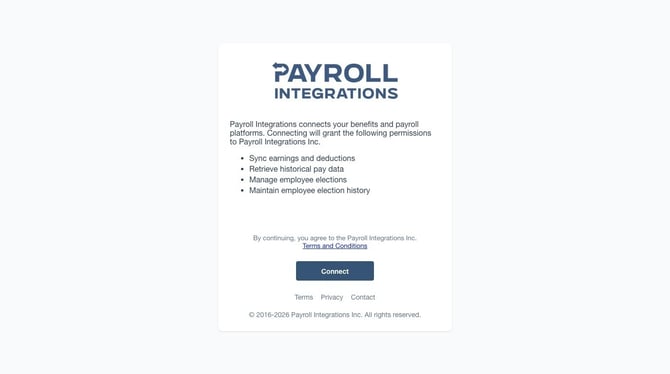
Connection Consent
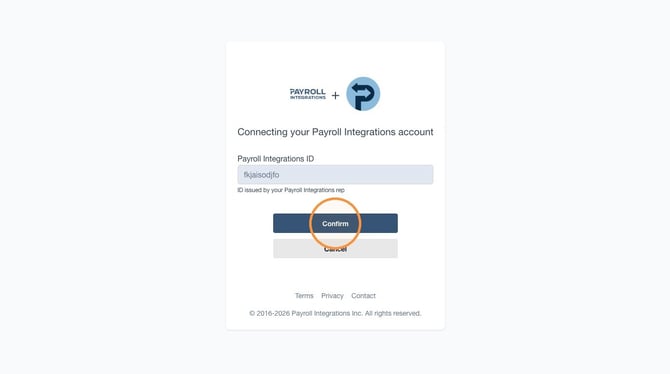
Payroll Platform Selection
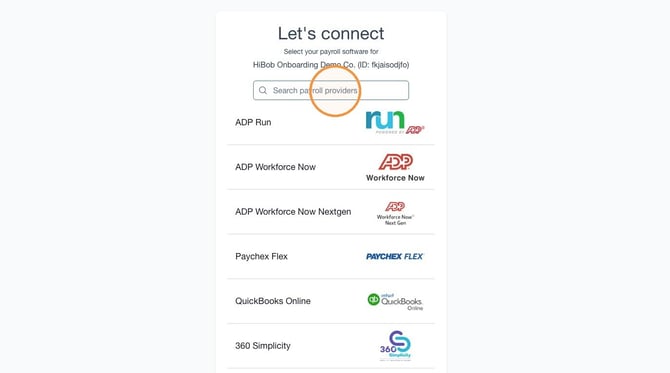
HiBob Authorization
Billing and Completion
Contact Us

Submit a Ticket
Submit a ticket and our team will respond as soon as possible!

Chat With Us
